
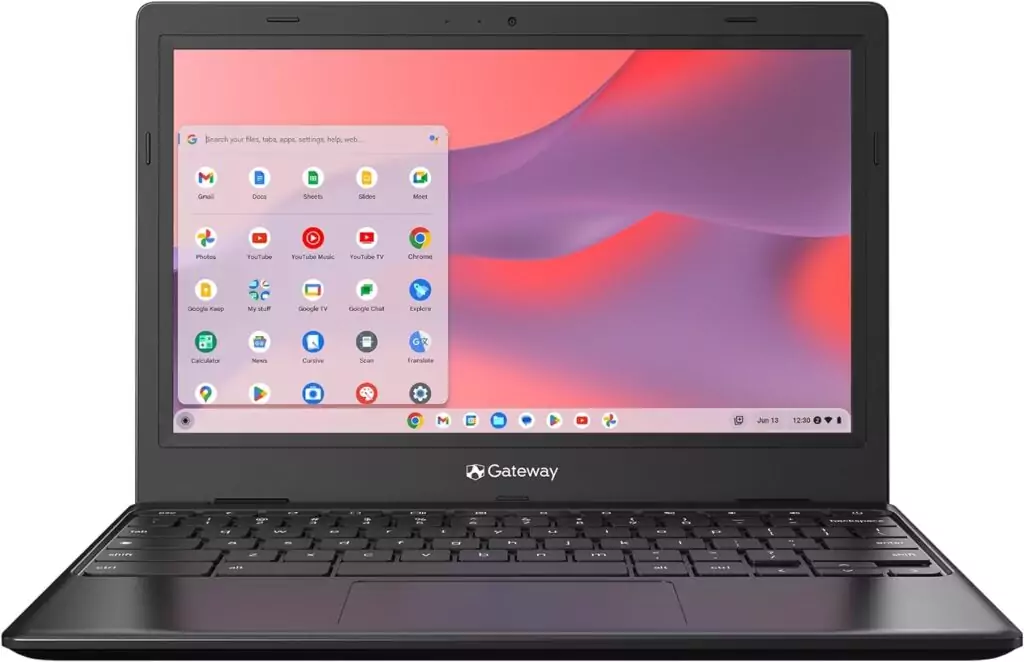
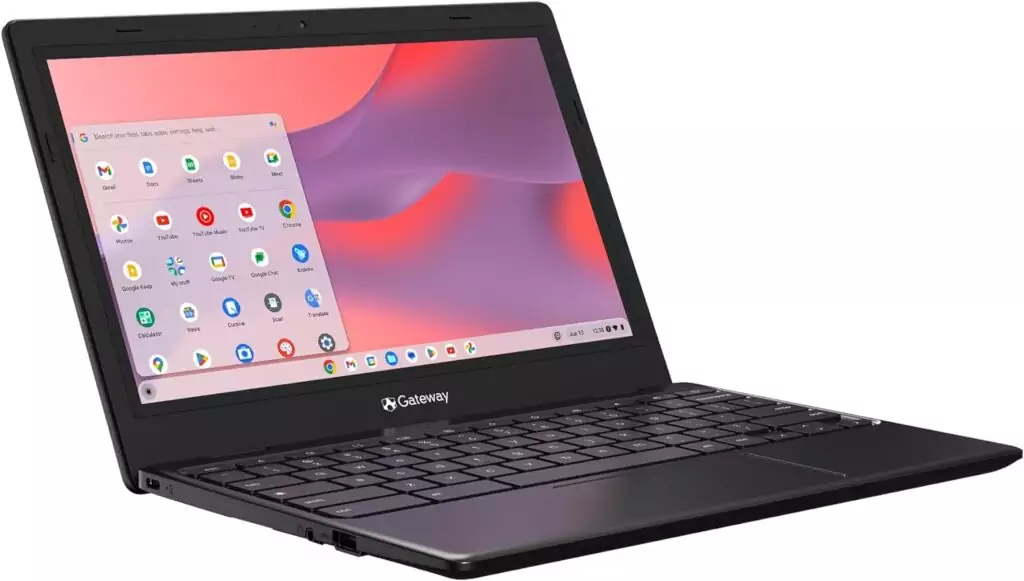
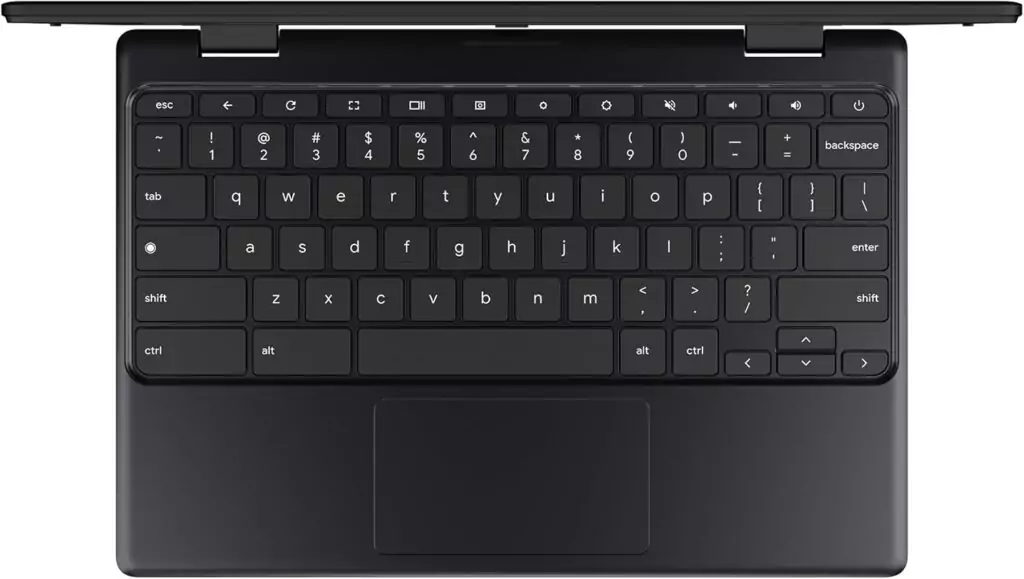
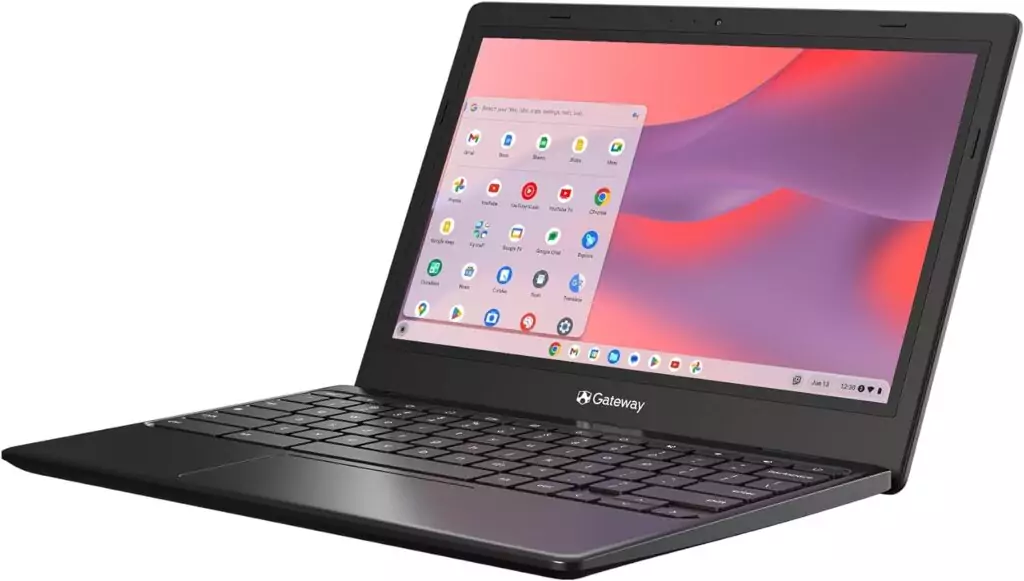
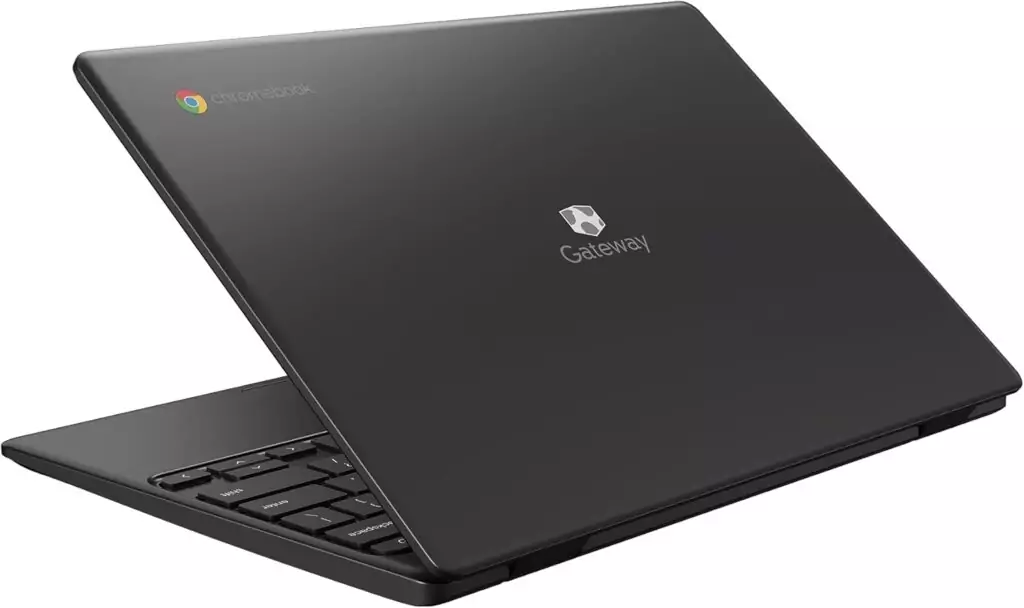




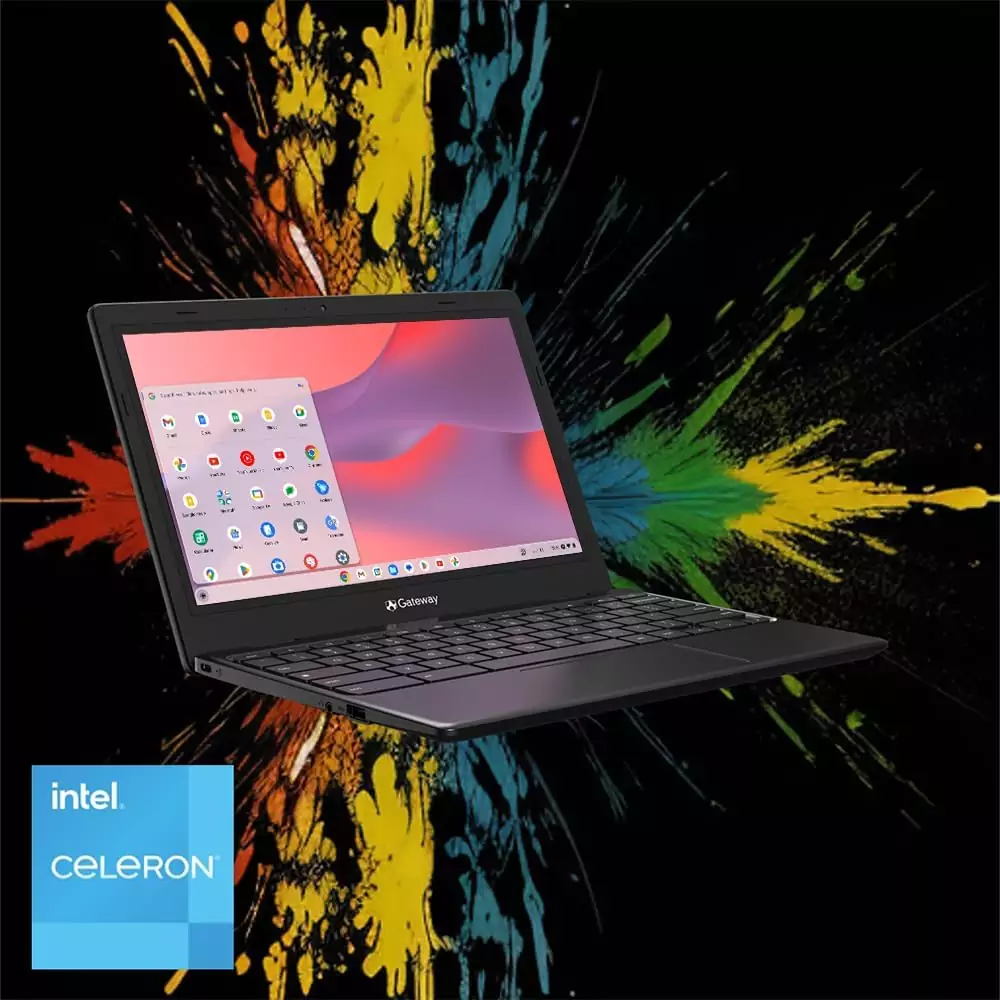

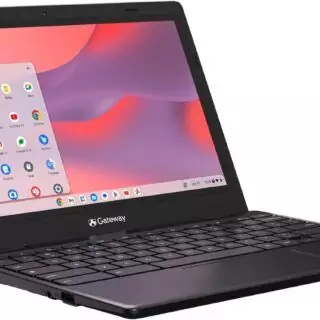
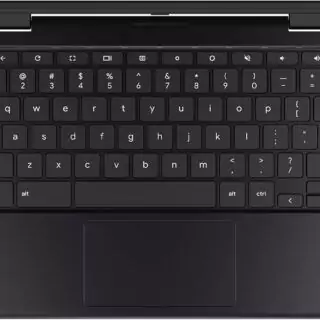
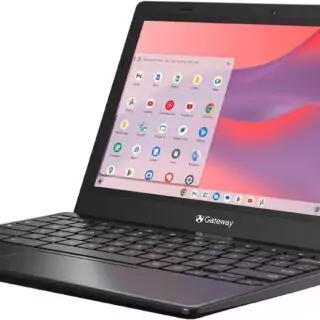
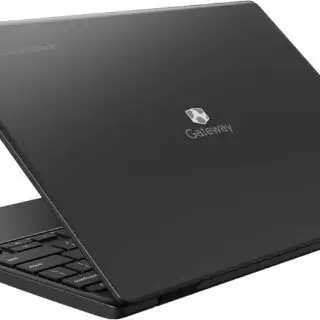
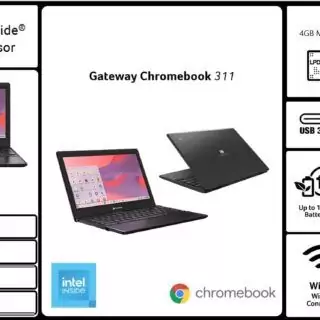




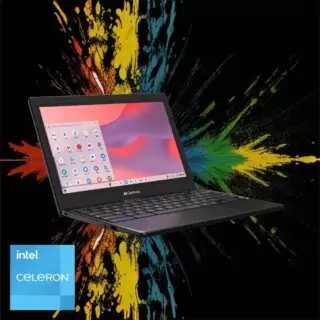


Acer Gateway Chromebook 311: Intel Celeron N4500, 11.6″ HD display, perfect for educators!
Original price was: $ 19 ,999.00.$ 144.00Current price is: $ 144.00.
📜 Planerium Verdict
This product achieves a composite score of 3.61. Based on our analysis, we rate this product as: ❤️ Choice – Which means this is a High-quality product that exceed expectations, therefore, Strongly suggested for purchase.
Tags
Explore the Acer Gateway Chromebook 311 CBO311-1H-C1MX Laptop | Intel Celeron N4500 | 11.6″ HD (1366 x 768)
Are you looking for a reliable and lightweight laptop that meets your everyday productivity needs? The Acer Gateway Chromebook 311 CBO311-1H-C1MX is designed just for you. This Chromebook combines a sleek design, powerful performance, and a host of features to help you tackle schoolwork, professional tasks, or leisure activities without breaking a sweat.
Fast Performance for Your Daily Tasks
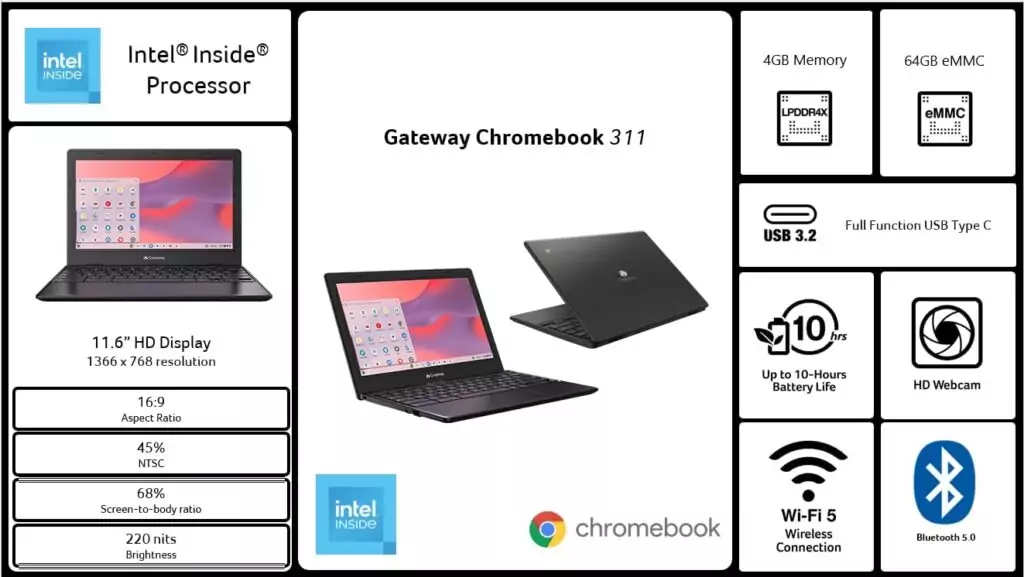
The Intel Celeron N4500 processor, boasting speeds of up to 2.8GHz, ensures that your Chromebook starts in under 10 seconds and runs multiple applications without lag. The 4GB of LPDDR4X memory allows you to switch between tasks effortlessly.
Long-Lasting Battery Life
With up to 10 hours of battery life, you can remain productive throughout your day. Whether you’re at school, at a café, or home, the Chromebook 311 keeps you connected and working without interruptions.
Brilliant Display and Touchscreen Capability
Experience vibrant visuals on the 11.6″ HD ComfyView display (1366 x 768 resolution) that reduces glare while providing excellent color accuracy. The responsive touchscreen makes navigation smooth and intuitive, whether you’re browsing, typing, or streaming.
Robust Connectivity Options
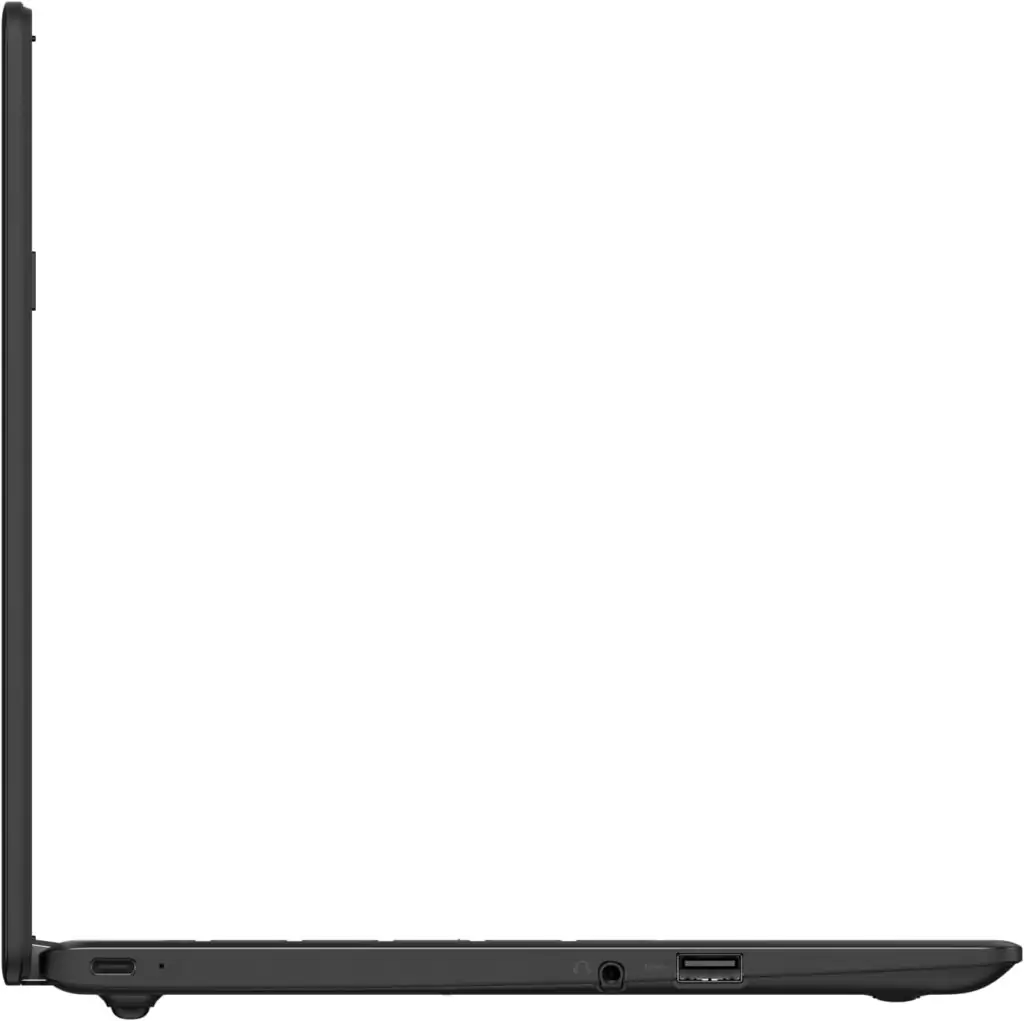
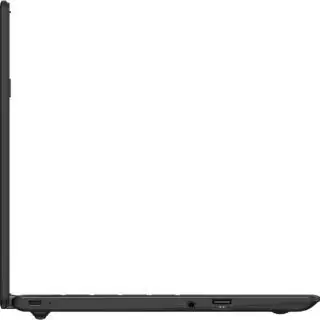
Stay connected with 802.11ac Wi-Fi 5 and Bluetooth 5.0, offering fast and reliable connections for streaming and file sharing. The two USB ports, including a USB Type-C port, provide additional flexibility for peripherals and charging.
User-Friendly Interface
Running on ChromeOS, the Acer Gateway Chromebook 311 arrives with built-in Google apps like Gmail, Google Docs, and more, so you can get right to work without having to worry about setup. Sign in with your Google account, and all your files, bookmarks, and preferences will be readily available.
Integrating the Acer Gateway Chromebook 311 into your workflow perfectly complements Planerium’s printables. With easy access to your digital files and a remarkable display, you can download and print customized planning templates, ensuring that your tasks and schedules are organized seamlessly.
Ready to elevate your productivity? Check out the Acer Gateway Chromebook 311 here and explore Planerium’s expansive printables library here.
Pros and Cons
Pros:
- Ease of Use: The Chromebook is straightforward to set up and use, making it ideal for students and professionals alike.
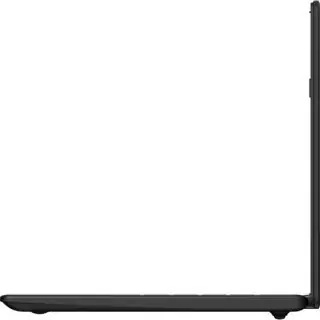
- Design: Lightweight and portable, perfect for on-the-go use.
- Settings: Simple navigation with an intuitive interface that minimizes the learning curve.
- Price: Offers great value for an affordable laptop option.
- Support: Customer reviews indicate good support experiences with the Acer brand.
- Overall Quality: Sturdy build and reliable performance based on numerous positive reviews.
Cons:
- Limited App Functionality: Some users face challenges with apps on ChromeOS, which may not meet expectations compared to Windows or Mac systems.
- Occasional Connectivity Issues: A few users reported problems staying connected to Wi-Fi, particularly during intense use.
- Average Audio Quality: Sound output may not meet higher expectations, especially for multimedia use.